Chess is out! A classic game of chess on a wooden board
Classic chess with all the official rules, from castling and en passant to promotion. Play against the computer at 3 difficulty levels, or play with a friend on one screen.
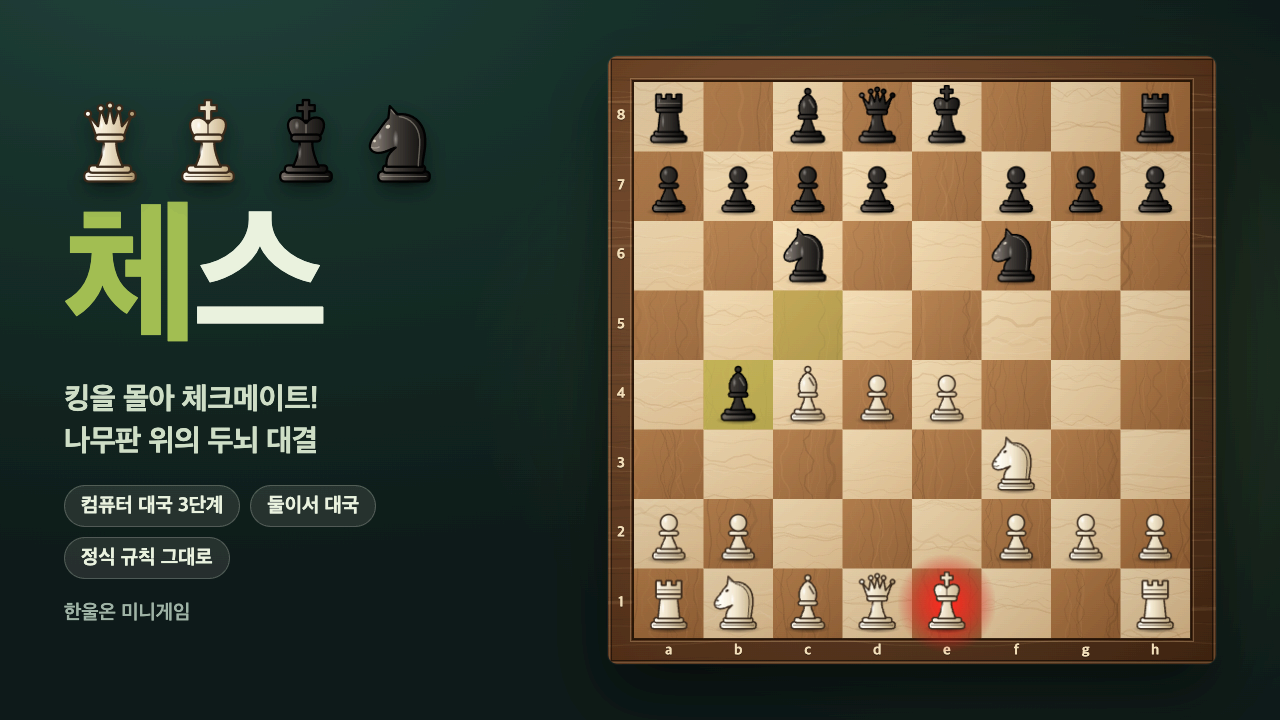
A battle of wits across 64 squares: Chess has arrived on HanulOn. People all over the world have enjoyed this game for centuries. The rules fit in a few lines, but the thinking behind each move is endless. Set your pieces on a warm wooden board and settle in for a calm game.
Whether you're just learning chess or want to see if you've still got it, you can play against the computer or sit face-to-face with someone next to you on one screen.
What kind of game is it?
White and Black take turns making one move each, and you win by checkmate: trapping the opponent's king with nowhere to escape. White moves first. When your king is under attack (in check), you must get out of check right away, and you can't make a move that puts your own king under attack.
All the official rules are included, from castling and en passant to promotion. When a pawn reaches the last rank, you can turn it into a queen, rook, bishop, or knight of your choice. Draws follow the official rules too: the game is drawn by stalemate, threefold repetition of the same position, 50 moves without a pawn move or capture, insufficient material to checkmate, or an accepted draw offer.
Ways to play
- Vs. computer: Choose Easy, Normal, or Hard, and pick White (moves first), Black (moves second), or Random. The computer sometimes plays standard openings, too.
- Two players: Two people take turns on one device. Use the flip board button to turn the board so your side is at the bottom.
During a game, every move is recorded in the move list, and you can see captured pieces and the material difference at a glance. There are also Undo, Offer Draw, and Resign buttons, and if you ever get confused, the Rules button lets you review how pieces move and the special rules anytime.
Leaderboard
When you're logged in and play the computer from the starting position, your results add up on the leaderboard. A win is 2, a draw is 1, and a loss is 0, weighted by difficulty. Even if you use Undo to revive a game, the original result stays, and quitting a game after even one move counts as a loss, so it's best to play it out. You need to play a certain number of games to appear on the leaderboard.
How to play
- Tap a piece and dots appear on the squares it can move to. Tap one of those squares to move.
- You can also drag and drop pieces with the mouse.
- Pieces marked with a ring are enemy pieces you can capture.
- Keyboard: Arrow keys to move between squares, Enter·Space to select, Esc to cancel
- To castle, move your king two squares toward the rook.
Tips
- When you're in check, you have to move your king, capture the attacking piece, or block the line of attack. Dots show where you can move, so check them quickly.
- You can only castle if your king and that rook have never moved, there are no pieces between them, and the squares the king passes through aren't under attack. Clear out your pieces early so you can tuck your king away safely.
- En passant is only possible on the very next move after an enemy pawn advances two squares and lands right beside your pawn. Don't miss your chance.
- If you're ahead, watch out for repetition and stalemate. If the enemy king has nowhere to move but isn't in check, it's a draw.
- When playing the computer, Undo takes back both your move and the computer's. Practice on Easy by using Undo to review your mistakes.
Recommended for
- Anyone who wants to learn the rules of chess for the first time
- Anyone who wants to improve by playing against the computer on their own
- Anyone who wants to sit face-to-face with family or friends on one screen
Sit down at the wooden board today and go for checkmate!