Minesweeper is out! The classic puzzle where number clues help you dodge mines
Minesweeper, the classic puzzle where you deduce hidden mines from number clues alone and open every safe tile, is now on HanulOn. Play on PC and mobile at three difficulty levels: Beginner, Intermediate and Expert.
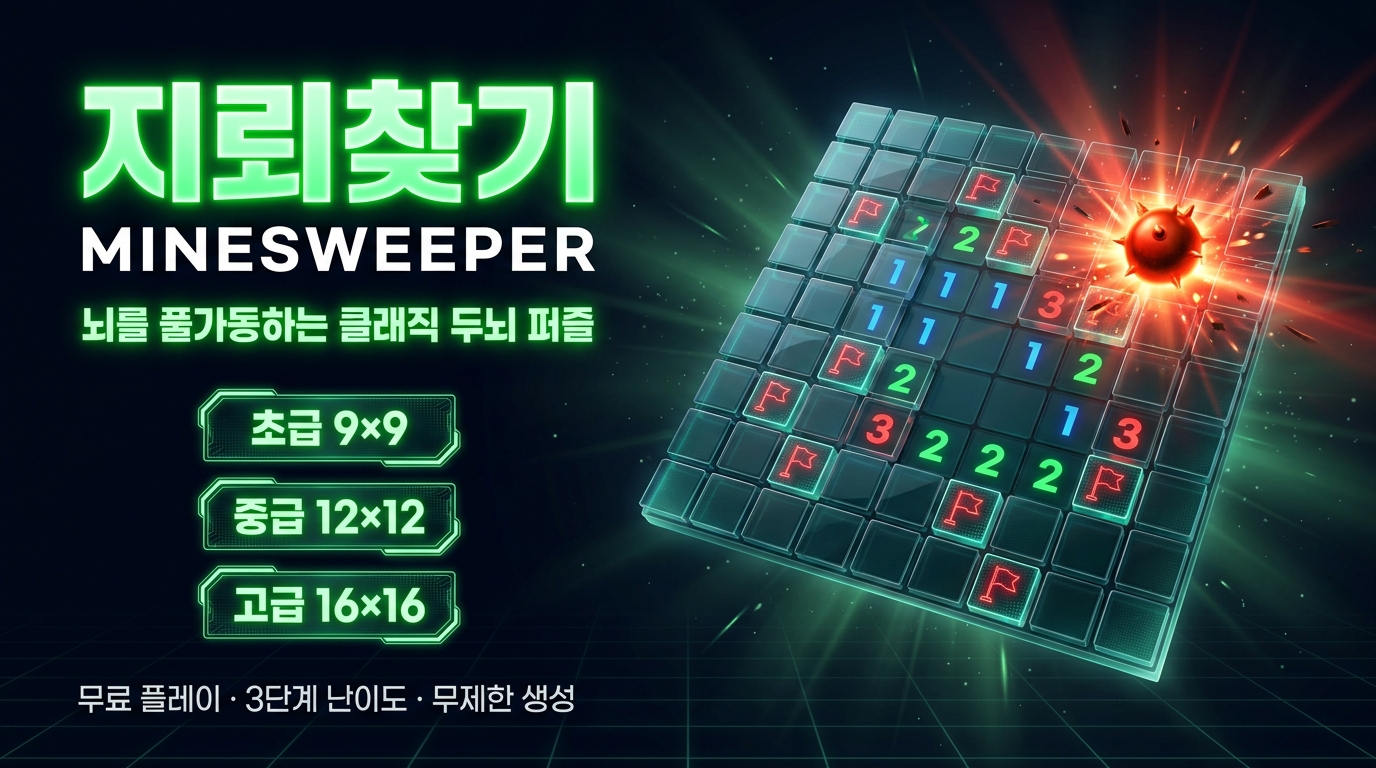
A board packed with gray tiles, and somewhere underneath, mines are hiding. The only clues you have are the little numbers revealed each time you open a tile. Minesweeper, the game that came built into so many computers for so long and lives on in so many people's memories, is now on HanulOn.
It might look like a game of lucky guesses, but it's really a logic puzzle where you check the numbers one by one to narrow down where the mines are. The thrill of clearing a board cleanly never gets old, no matter how many times you play.
What kind of game is it?
The number on an open tile tells you how many mines are in the eight tiles around it. Use these numbers as clues to figure out where the mines are, and open every tile that isn't a mine to win. Step on a mine even once and the game is over.
Luckily, the first tile you click is always safe. If there's room on the board, the mines are placed so the tiles around your first click are clear too, so your first click opens up a wide area and you can start deducing right away.
Difficulty levels
- Beginner: 9×9 board, 10 mines
- Intermediate: 12×12 board, 24 mines
- Expert: 16×16 board, 40 mines
The top of the screen shows how many mines are left and how much time has passed, and your time is recorded when you clear a board. Your best time for each difficulty is kept for this session, and if you beat it, you'll see "New Record!"
How to play
- Open a tile: left-click or tap
- Place a flag: right-click, long-press, or turn on the "Flag Mode" button and tap
- Open the surrounding tiles at once: click a number tile that has as many flags around it as its number
- Keyboard: arrow keys to move, Enter to open, F to flag, R for a new game
On mobile, if long-pressing feels fiddly, turn on "Flag Mode" and you can place flags with a single tap.
Tips
- If a tile showing 1 has just one closed tile left around it, that tile is a mine. Flag the sure spots first.
- If a tile already has as many flags around it as its number, the rest of the surrounding tiles are safe. Click the number tile to open them all at once and save a lot of time.
- But if you've placed a flag wrong, opening the surrounding tiles can set off a mine, so only do it when you're sure.
- Stuck? Take another look at the edges of the board or where numbers are clustered. Comparing two neighboring numbers often reveals the answer.
- New to the game? Get the hang of reading numbers on Beginner, then move up to Intermediate and Expert.
Who it's for
- Anyone who loves calm, brainy logic puzzles
- Anyone who misses the classic games they used to play
- Anyone who wants to chase faster times in quick rounds
Listen closely to the hints the numbers give you, and the mines will reveal themselves more easily than you think.