Color Flood is out! Pick colors to turn the whole board one color
Color Flood, a brain puzzle where you start from the top-left tile and pick colors to absorb neighboring tiles of the same color until the whole board is one color, is here. Try to finish within the move limit.
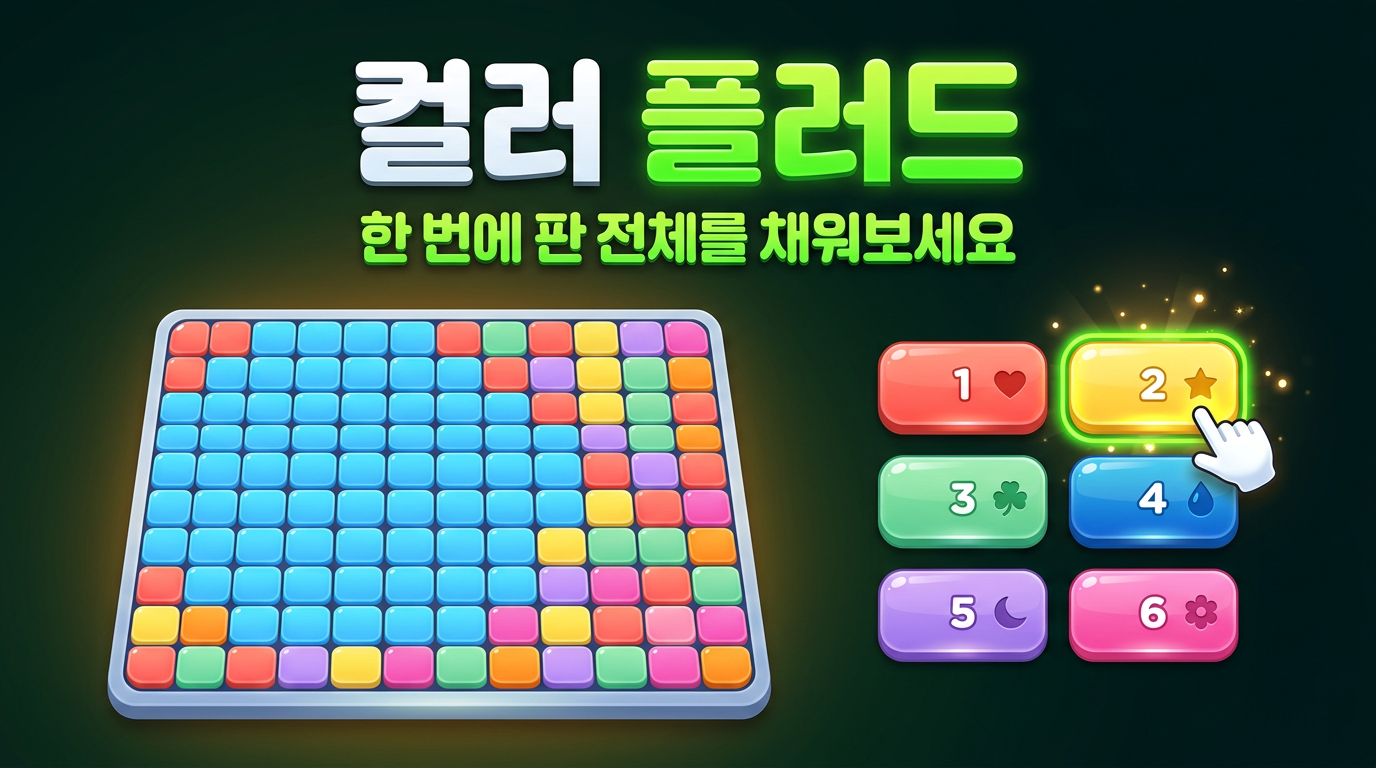
A board scattered with six bright colors like a mosaic. The small patch in the top-left corner is your starting point. Every time you pick a color, your area turns that color and gobbles up the touching tiles of the same color, growing bigger and bigger. Cover the whole board in one color, like paint spreading across paper, and you win.
Color Flood is a strategy puzzle whose rules fit in one line, but the order you choose colors in makes a huge difference. Every move counts in this sneakily addictive game.
What kind of game is it?
Your starting area is the top-left tile plus any same-colored tiles connected to it. Pick one of the color buttons at the bottom and your whole area changes to that color, merging with any same-colored tiles touching it up, down, left, or right.
Each board has a move limit. Turn the whole board one color within the limit and you win; run out of moves and you lose. The screen shows the moves you've used, the limit, and how much of the board you've claimed as a bar and a percentage.
Difficulty and features
- Three difficulties: Easy 10×10, Normal 14×14, and Hard 18×18. You start on Normal.
- The move limit changes from board to board. It's set generously to fit the board's layout: at least 20 on Easy, 25 on Normal, and 32 on Hard.
- There are six colors: red, yellow, green, blue, purple, and pink. Each color button has a number 1–6 and a ●▲■◆★✚ symbol.
- Turn on the "Symbols" button to show symbols on every tile on the board, so players who have trouble telling colors apart can play comfortably.
- When you have 3 or fewer moves left, the move counter switches to a warning color.
- If you fail, use "Retry" to try the same board again, or "New Board" to start a different one.
- When you win, it tells you how many moves you took, and if you beat your best (fewest moves) for that difficulty this session, it celebrates your new record.
How to play
- Press a color button at the bottom, or pick a color with keys 1–6.
- You can also tap a tile on the board to pick its color.
- You can't pick the same color as your current area.
- Start a new board with the N key or the "New Board" button. Pressing a difficulty button also starts a new board at that difficulty.
- Use the speaker button on screen to turn sound effects on or off.
Tips
- Start by always picking the color that grabs the most tiles right now. The move limit is enough to finish with this approach.
- But if you're aiming for fewer moves, building a "wide border" is key. Stretch out long toward the center or the far corner, and the number of tiles you can absorb in one go later grows a lot.
- Don't leave small pieces stuck to the edge of your area for too long. At the end, you might have to spend an extra move just for that one tile.
- Near the end, count how many colors are left outside your area. If three colors besides yours remain, you'll need at least three more moves.
- You can retry the same board even if you fail, so learn the board's shape on your first try and find a more efficient order on your second.
Who it's for
- Anyone who loves strategy puzzles that make you think a move ahead
- Anyone who enjoys the satisfying moment when a riot of colors turns into one
- Anyone who likes the challenge of cutting their move count down
Play on both PC and mobile. Pick your first color and flood the whole board.