Yonggari 1.2.0 update: Auto Hunt and Level Leaderboard
The leaderboard now ranks by hero level, and there's a new Auto Hunt that fights, drinks potions, picks up loot, and heads to the next floor on its own.
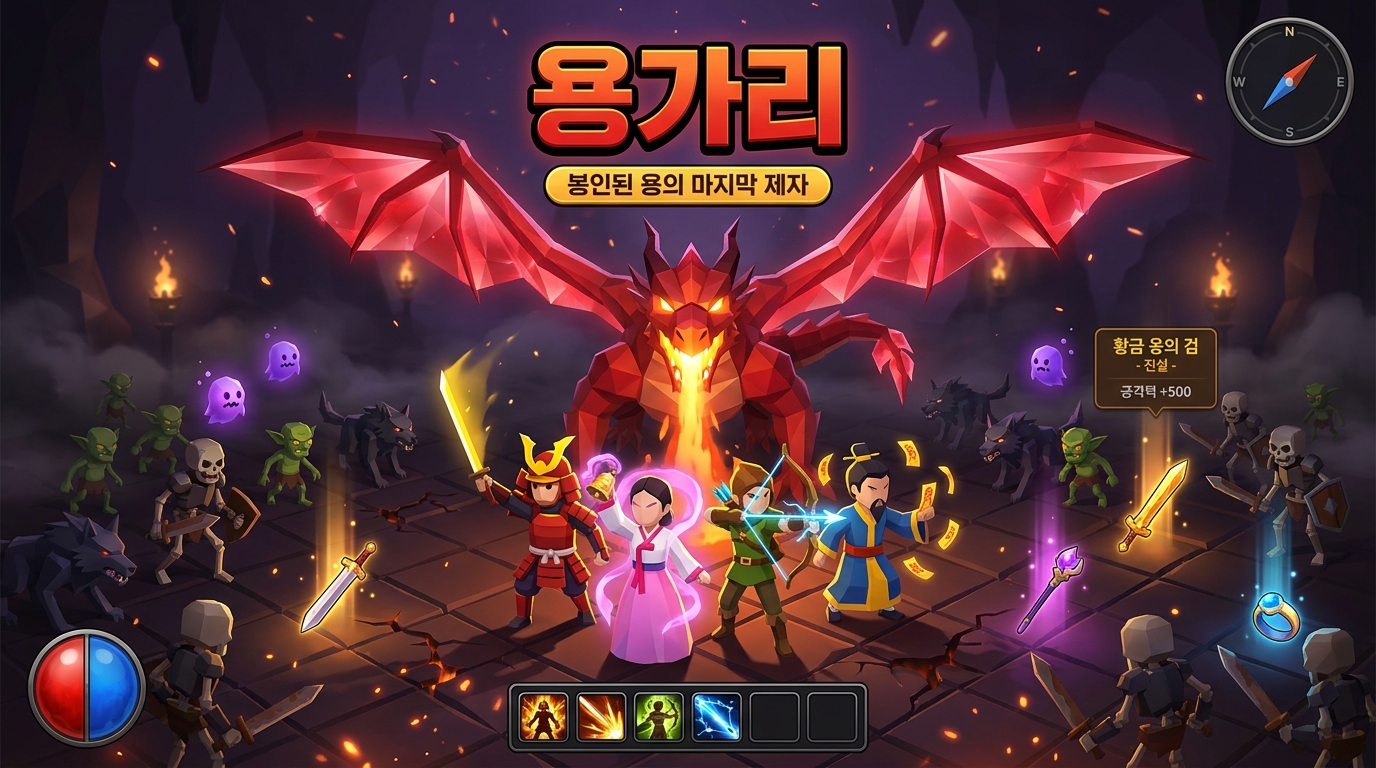
In Yonggari 1.2.0, the leaderboard now ranks by hero level, and Auto Hunt has been added.
Leaderboard: Hero Level
The leaderboard now ranks by hero level (max 35) instead of highest Rift tier. Your record goes up when you start the game (Continue or New Hero) and every time you level up. If players are tied on level, whoever got there first ranks higher. Log in to HanulOn and play to get on the leaderboard.
Auto Hunt
Press the Auto button at the top right or the A key to turn it on. On phones, the button is in the same spot.
- It picks the nearest monster to fight and uses the skills you've set up as the situation calls for.
- It drinks potions when your HP drops, and dodges the red warnings on the floor.
- It picks up dropped items, explores the floor, then moves on to the next floor and the boss.
- When you take control yourself, it lets go for the time being, then picks back up once you let go.
- Heroes who have finished the story take on the next Rift they haven't cleared yet.
Town cleanup
When your bag fills up, it stops by town to tidy up, then heads back to where you were fighting. You can choose how it tidies up in Settings.
- Auto Hunt cleanup: Don't sell · Sell Common · Sell up to Magic. Rare or better items are never sold.
- If your bag is more than half full, it moves the remaining items to storage and restocks potions.
- Auto Equip: Only swaps in gear that's better than what you have, and puts the removed gear in your bag. It's on by default.
When it stops
If your bag and storage are both full, or you go down three times within 3 minutes, Auto Hunt stops with a notification. Check your gear or difficulty, then turn it back on. If a story window pops up during Auto Hunt, it automatically moves on after 6 seconds.